Speaker Cleaner & Eject Water
Tone Generator & Noise Meter. Water, dust, and everyday pocket lint can leave your iPhone's speaker sounding muffled or quiet. Speaker Cleaner & Eject Water uses sound, vibration, and simple test tools to help you look after your speaker — all in one app.

Highlights
- 01
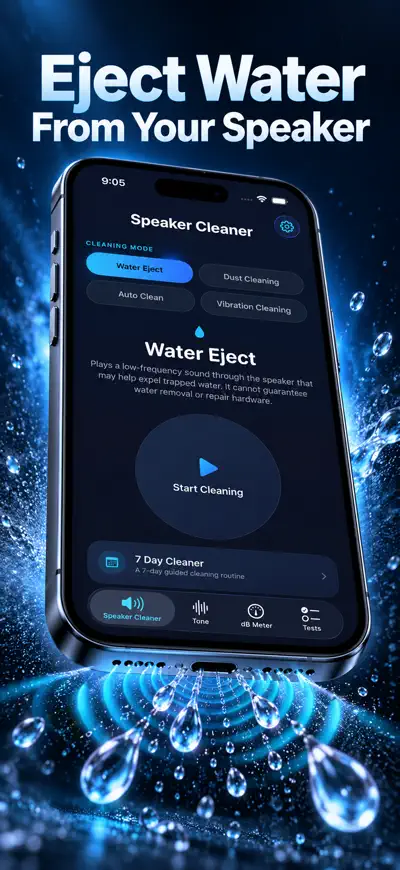
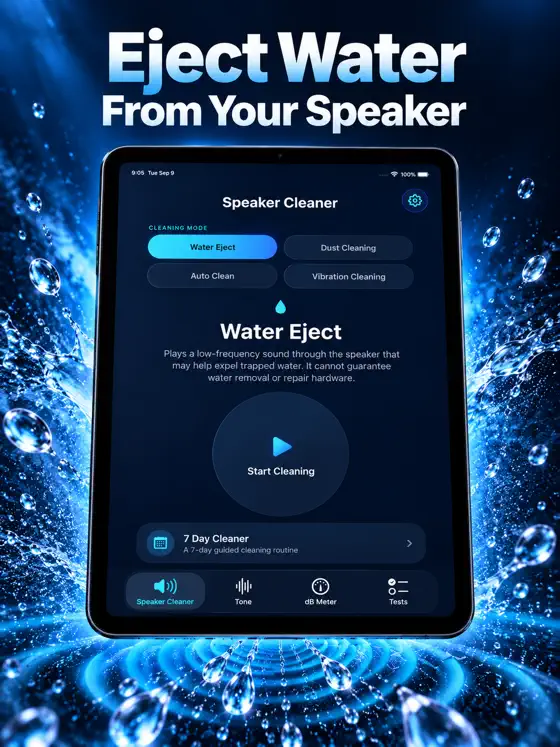
Water Eject – uses a low-frequency sound pattern (around 165 Hz) that may help expel trapped water from your speaker
- 02
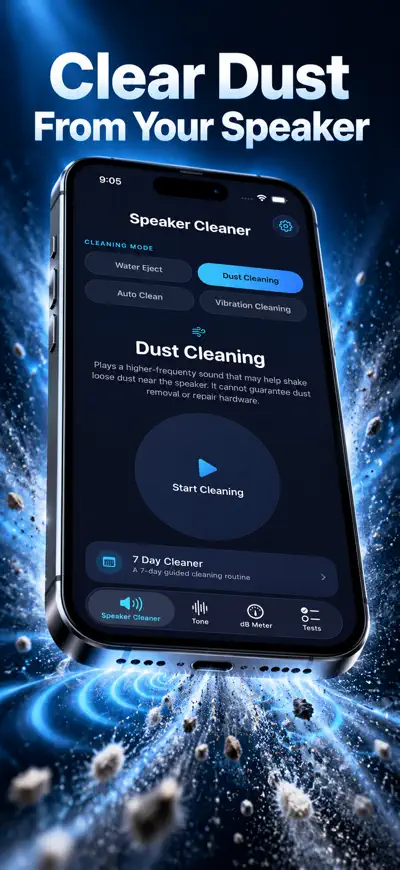
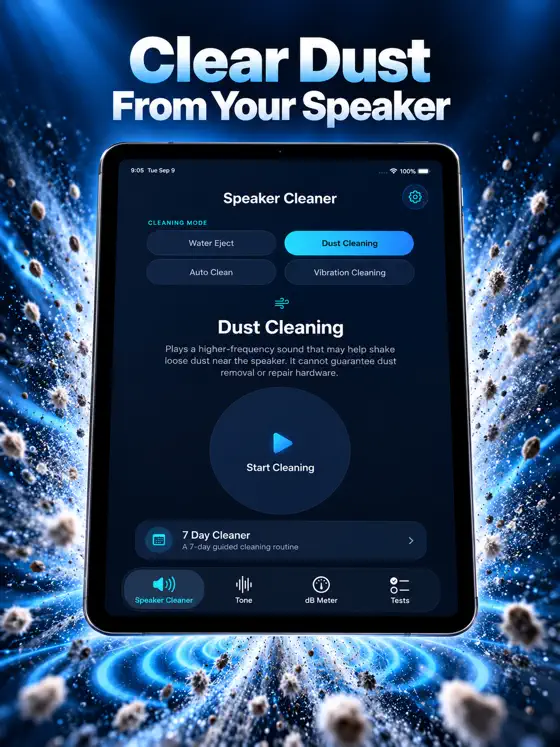
Dust Cleaning – uses a higher-frequency sound pattern to help loosen dust, lint, and debris from the speaker grille
- 03
Auto Clean – automatically runs through multiple cleaning frequency ranges
- 04
Vibration Cleaning – uses your iPhone's Taptic Engine to help dislodge stuck particles
- 05
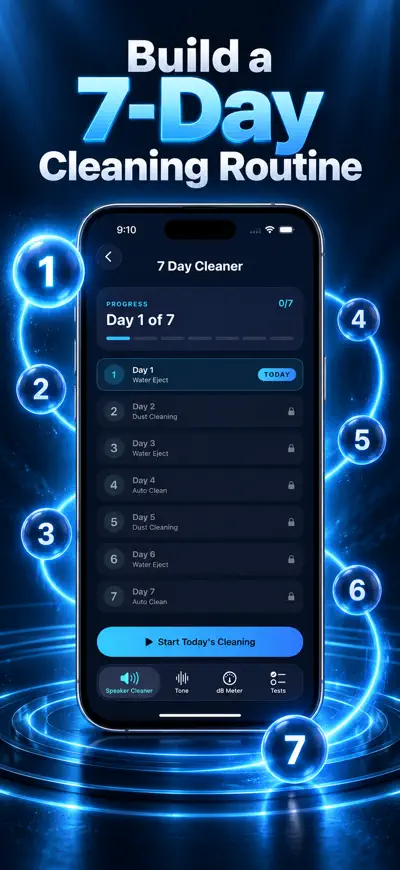
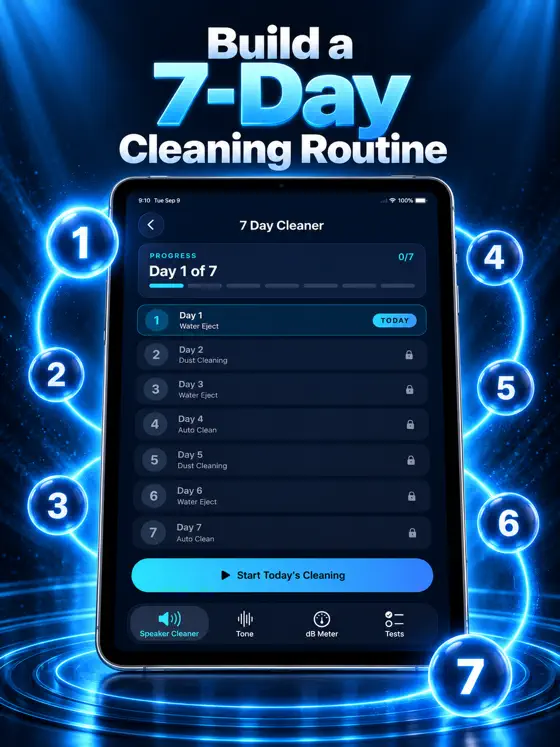
7 Day Cleaner – follow a 7-day routine using Water Eject, Dust Cleaning, and Auto Clean
From the official App Store description.
Screenshots
iPad
About Speaker Cleaner
Read the full App Store description
Water, dust, and everyday pocket lint can leave your iPhone's speaker sounding muffled or quiet. Speaker Cleaner & Eject Water uses sound, vibration, and simple test tools to help you look after your speaker — all in one app.
WATER EJECT & DUST CLEANING
- Water Eject – uses a low-frequency sound pattern (around 165 Hz) that may help expel trapped water from your speaker
- Dust Cleaning – uses a higher-frequency sound pattern to help loosen dust, lint, and debris from the speaker grille
- Auto Clean – automatically runs through multiple cleaning frequency ranges
- Vibration Cleaning – uses your iPhone's Taptic Engine to help dislodge stuck particles
- 7 Day Cleaner – follow a 7-day routine using Water Eject, Dust Cleaning, and Auto Clean
TONE GENERATOR & SOUND TOOLS
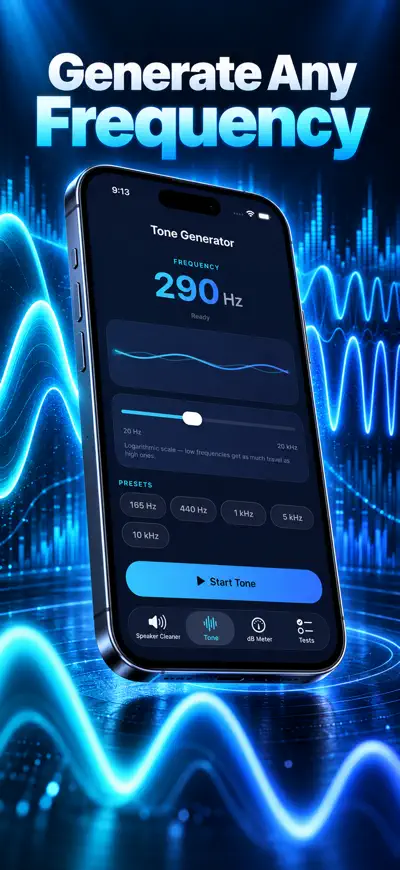
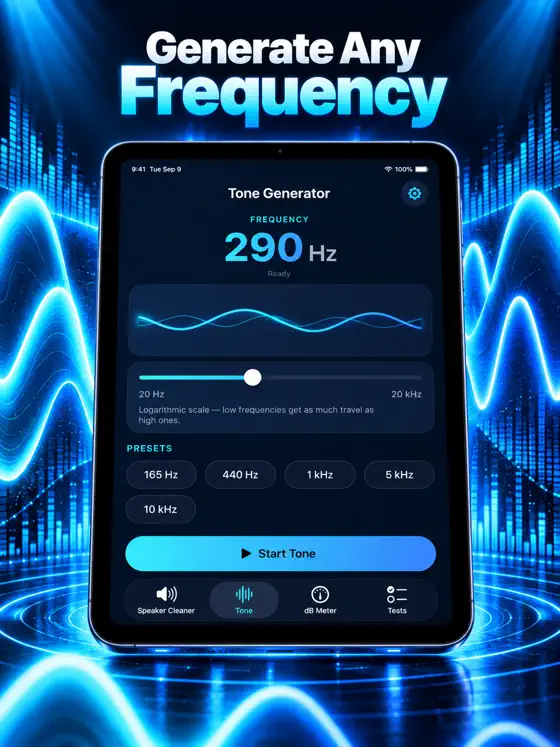
- Tone Generator – generate adjustable tones from 20 Hz to 20 kHz
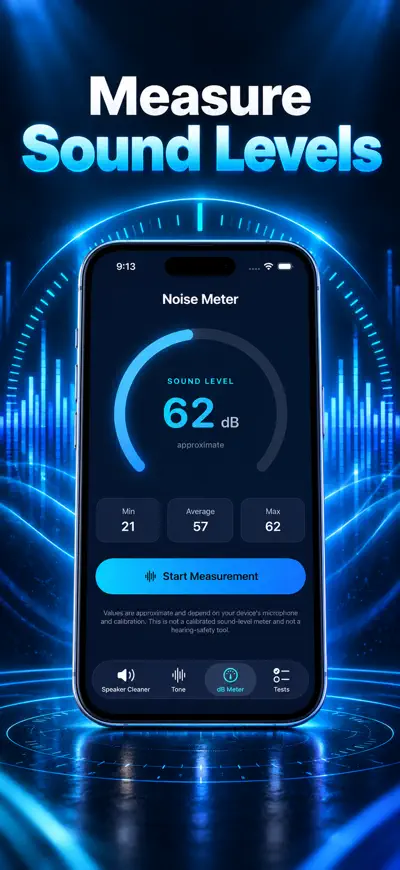
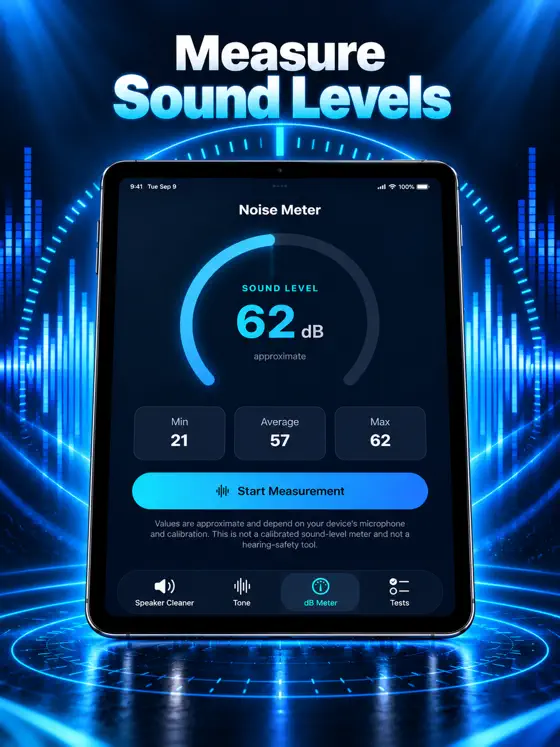
- Noise Meter – uses your microphone to give an approximate decibel (dB) reading; not a calibrated or professional sound level meter
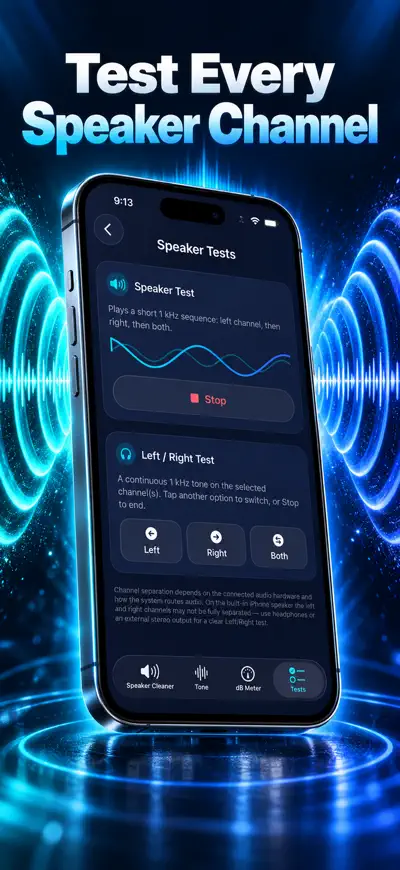
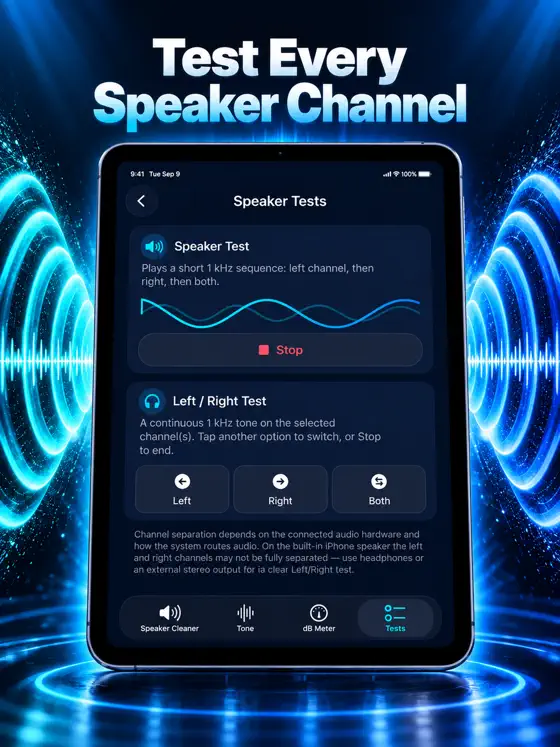
- Speaker Test – play test tones to check your speaker's output
- Left Right Test – play test tones through the left, right, and both channels
HOW IT WORKS
Place your phone speaker-side down, turn up the volume, and start a cleaning or test cycle.
PRIVACY
- Cleaning and audio processing run entirely on your device
- The Noise Meter uses your microphone only while actively measuring sound — nothing is recorded or stored
- No account or sign-in required
LEGAL
Information
- Publisher
- EEB CONSULTANCY LLC
- Category
- Utilities
- Compatibility
- iPhone and iPad · iOS 17.0 or later
- Languages
- 24 languages
Chinese, Dutch, English, Finnish, French, German, Hindi, Hungarian, Indonesian, Italian, Japanese, Korean, Malay, Odia, Polish, Portuguese, Romanian, Russian, Spanish, Swedish, Tamil, Turkish, Ukrainian, Vietnamese - Age rating
- 4+
- Price
- Free
- In-app purchases
- Lifetime Premium — $19.99
- Yearly Special — $19.99
- Monthly Special — $7.99
- Weekly Special — $4.99
- Yearly Premium — $29.99
- Monthly Premium — $9.99
- Weekly Premium — $4.99
- Size
- 12.5 MB
- First released
- Sep 23, 2026
Details from the US App Store, checked Nov 17, 2026. Prices can vary by country.
What’s new
Bug fixes, performance improvements, and a smoother app experience.
Policies & help
More from the studio
-
 <[object Object],[object Object],[object Object]>Cleaner AI: Free Up Space
Storage & Duplicate Photos
UtilitiesOn the App Store -
 <[object Object],[object Object],[object Object]>Compress - Photos & Videos
Image Resizer & Size Reducer
UtilitiesOn the App Store -
 <[object Object],[object Object],[object Object]>Split Expenses – SplitTrip
Split Expenses, See Who Owes
UtilitiesOn the App Store